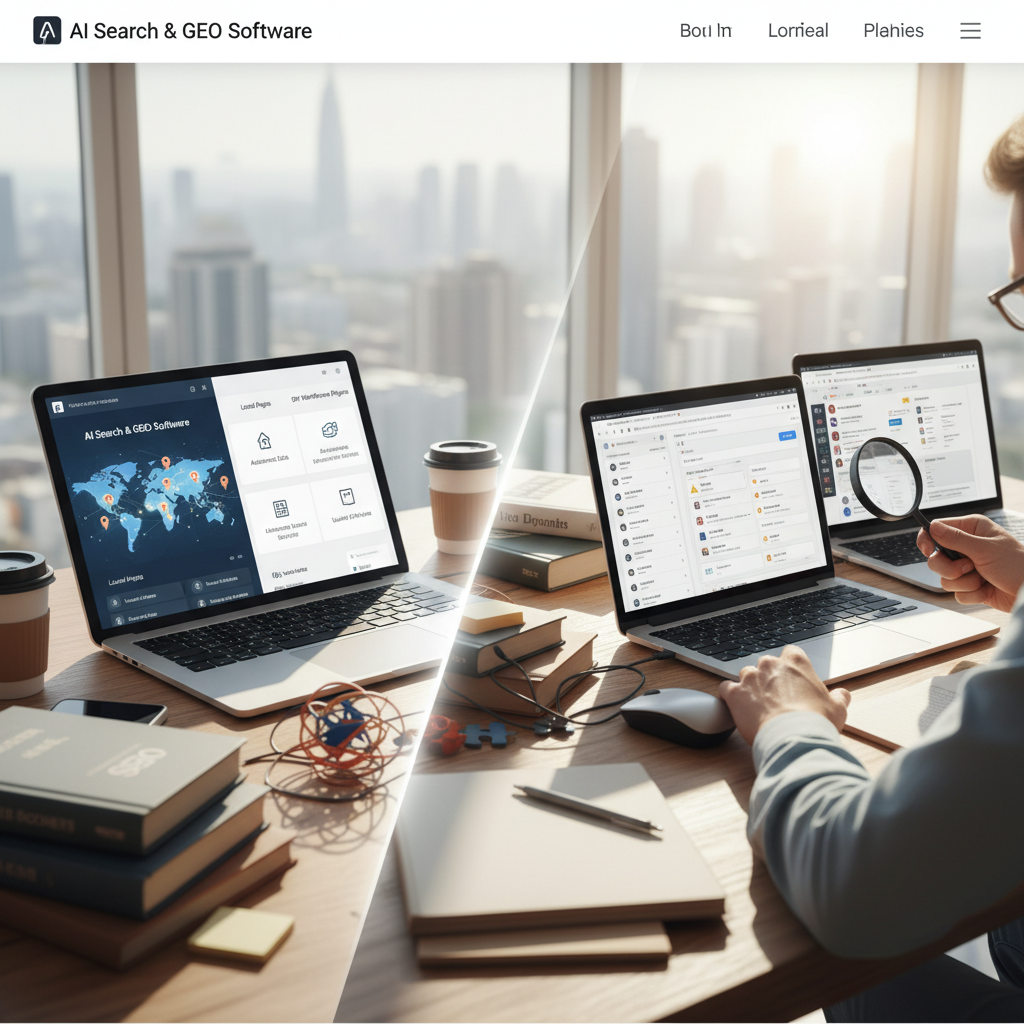
Local Pages vs. DIY WordPress Plugins: Why AI Beats Manual Local SEO
Choosing between a dedicated GEO software platform like Local Pages and fragmented WordPress plugins determines how fast your business scales across zip codes. While plugins offer basic site tweaks, Local Pages provides a purpose-built infrastructure designed to dominate hyper-local search results without the technical debt.
Stop struggling with slow WordPress plugins that limit your reach. Whether you are targeting downtown business districts or suburban neighborhoods, our GEO software ensures your local presence is professional, fast, and high-ranking.
Automation vs. Manual Configuration
WordPress plugins require manual setup, constant updates, and individual page tuning which leads to human error. Local Pages automates the creation of thousands of location-specific landing pages, ensuring consistent SEO schema, high-speed performance, and zero plugin conflicts.
AI-Driven GEO Relevance
Traditional plugins rely on static shortcodes that often result in repetitive, low-value content. Local Pages utilizes advanced AI to generate unique, hyper-local copy for every neighborhood you serve, ensuring your business stays relevant to both users and search engine crawlers.
Speed and Core Web Vitals
Bloated WordPress installations slowed down by multiple SEO, map, and schema plugins hurt your rankings. Local Pages is built on a lightweight, optimized architecture that passes Core Web Vitals out of the box, providing a superior user experience and higher conversion rates.
Scalability and Management
Managing 500 local pages via a WordPress dashboard is a logistical nightmare prone to site crashes. Our centralized GEO software allows you to update business information, images, and offers across your entire local network instantly, saving hundreds of labor hours annually.
From Setup to Hyper-Local Presence: How Local Pages Works vs. Plugin Chaos
Developing a robust local SEO strategy with WordPress plugins often begins with installing a core SEO plugin, a schema plugin, a mapping plugin, and potentially several others for specific features like local business hours or testimonial display. Each requires individual configuration, API key integration, and template adjustments. For 100 locations, this translates to hundreds of hours of manual work and ongoing maintenance. In contrast, Local Pages operates on a streamlined, cloud-based platform. You provide your business data (locations, services, offers), and our AI ingests this information. Within days, our system automatically generates thousands of contextually rich, SEO-optimized landing pages, each tailored to a specific geographic micro-market, from 'plumbers near Seattle's Capitol Hill' to 'electricians serving Boston's North End.' Updates are pushed globally with a single click, eliminating the plugin update merry-go-round.
Understanding the Investment: Pricing Local Pages vs. Accumulated Plugin Costs
While the initial cost of a single WordPress SEO plugin might seem low (e.g., $49-$299/year for a premium license), the reality for competitive local SEO involves a stack of plugins. You might purchase a premium SEO plugin, a local schema plugin ($79-$199/year), a maps integration plugin ($59-$159/year), and possibly development time for custom templates – quickly accumulating to $500+/year in recurring plugin fees, plus significant labor costs. Local Pages utilizes a subscription model, typically priced per location or per thousand page views, ranging from $X to $Y per month for comprehensive local SEO. This single fee covers all features, AI content generation, hosting, and ongoing maintenance, offering a predictable expenditure without hidden costs or the need for a dedicated developer to manage plugin conflicts and updates across hundreds of pages.
Local Market Nuances: Why Off-the-Shelf Plugins Fall Short in Specific Geos
DIY WordPress plugins struggle to address the granular, hyper-local details crucial for competitive markets. Imagine trying to create unique content for 'dentist near Austin's Zilker Park' versus 'dentist in Round Rock' using static shortcodes – the resulting pages would be generic and non-compelling. Local Pages, however, recognizes these distinctions. Our AI understands that a 'roofing contractor in Miami' needs to mention hurricane-resistant materials and comply with specific Dade County building codes, while a 'roofing specialist in Denver' would focus on hailstorm damage and cold weather installations. We integrate real-time data on local landmarks, community events, and even specific municipal regulations, ensuring each page feels like it was written by a local expert, resonating deeply with residents looking for services near 'Pike Place Market' in Seattle or 'Gaslamp Quarter' in San Diego.
Choosing Your Local SEO Path: When to DIY vs. When to Go Dedicated
Deciding between a DIY WordPress plugin approach and a specialized platform like Local Pages hinges on your scale and ambition. If you are a single-location business or a small service area business with 2-3 distinct coverage zones, a well-configured WordPress site with a robust premium SEO plugin might suffice. The manual effort for a handful of pages is manageable. However, if your business operates across 10, 50, or even 500+ locations, or you aim for extensive coverage across numerous micro-neighborhoods (e.g., targeting all 77 community areas of Chicago individually), the manual overhead of plugins becomes intractable. Businesses prioritizing rapid expansion, consistent brand messaging across all local touchpoints, and superior organic visibility in highly competitive local SERPs will find Local Pages to be the only sustainable and scalable solution for achieving significant market penetration.
Avoiding Common Pitfalls: Why Generic Local SEO Efforts Fail
Many businesses make critical mistakes with their local SEO, often exacerbated by a reliance on generic WordPress plugins. A common pitfall is creating 'thin content' – pages with minimal unique text that simply swap out location names, leading to Google's 'doorway page' penalty, which can severely impact rankings. Another error is neglecting local schema markup, leaving search engines guessing about business type, address, and hours. Furthermore, failing to continuously update local information like seasonal offers, new services, or public holidays renders pages stale. WordPress plugins, by nature, require constant vigilance and manual input to avoid these issues. Local Pages mitigates these risks by automating hyper-local content generation, ensuring semantic accuracy with structured data, and providing a centralized dashboard for real-time updates across an entire network, eliminating the potential for widespread, undetected local SEO mistakes.
Frequently asked questions
Do I need to replace my existing WordPress site?
No, Local Pages can power your local subfolders or subdomains while keeping your main brand site on WordPress, giving you the best of both worlds.
Are Local Pages better for SEO than Yoast or RankMath?
While those plugins help with general site SEO, Local Pages is specifically engineered for local-intent queries and GEO-scaling, which general plugins are not built to handle.
How does Local Pages prevent duplicate content issues?
Our AI engine generates unique localized descriptions and integrates dynamic local data points so each page is viewed as unique and valuable by Google.
Is it more expensive than a one-time plugin fee?
While plugins have lower upfront costs, the labor costs of manual management and the lost revenue from lower rankings make Local Pages a more cost-effective long-term investment.
Can I integrate my Google Business Profile?
Yes, Local Pages features native integration to sync your reviews, photos, and location data automatically across all your landing pages.
How quickly can I see my new local landing pages live?
Once your business data is integrated, new local landing pages typically go live within 5-7 business days, providing a rapid deployment compared to the weeks or months involved in manually building and optimizing pages with plugins.
Will Local Pages work with my existing marketing analytics tools?
Yes, Local Pages is designed for seamless integration. We support connections with popular analytics platforms like Google Analytics, Google Tag Manager, and various call tracking solutions to provide comprehensive performance insights.
Can Local Pages help with specific local service areas, like across a county?
Absolutely. Our platform excels at targeting granular service areas. We can generate unique pages for specific neighborhoods, towns, and even postal codes within a county, ensuring maximum relevance for localized search queries.
What kind of support is available if I have issues with my local pages?
We offer dedicated customer support, including technical assistance and SEO guidance. Our team is available via email and phone to help resolve any issues and ensure your local pages are performing optimally.
How does Local Pages handle customer reviews on my local pages?
Local Pages can integrate and display customer reviews from platforms like Google Business Profile. This dynamic content helps build trust and further enhances the local relevance and authority of each landing page for potential customers.